Howto contact me
Install and Run F-Droid (OpenSource App Store)
Search for and install Conversations
Create Accountpublic XMPP provider
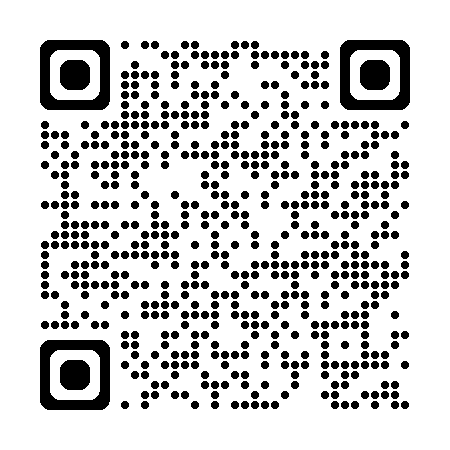
Add Contact (JID): ron@tiny-server.org (or someone@jabber.de)
Send Message - Start Chat -> Select Contact -> Type Message -> Send Help
Install Monal from the App Store
Setting -> Add Account -> Register a new account -> Choose provider
Add Contact (JID): ron@tiny-server.org (or someone@jabber.de)
Send Message - Contacts -> Select Contact -> Type Message -> Send Help
That's it - No Big Tech involved 🥳
More info on XMPP (Instant Message)
✅ Why XMPP Instant Message (Jabber)?
Open Standard and Federated – like email, no single point of control.
End-to-end encryption via OMEMO.Choose from many free and open-source clients and servers.
Can be self-hosted for full digital independence.
🔒 Why Not WhatsApp or Telegram?
WhatsApp owned by Meta (Facebook) collecting all metadata even though encrypted messages.Telegram stores messages unencrypted by default, and secret chats are not the norm.Both platforms are centralized , one company controls the network, all users and all messages.

 Android App: "Conversations"
 iOS App: "Monal"